The form that could build itself
The backend said: here's the config, figure it out. What came next was one of the most interesting frontend problems I've worked on, not because it was flashy, but because getting it wrong would have been invisible, and getting it right had to feel effortless.
What we were building, and why the constraint mattered
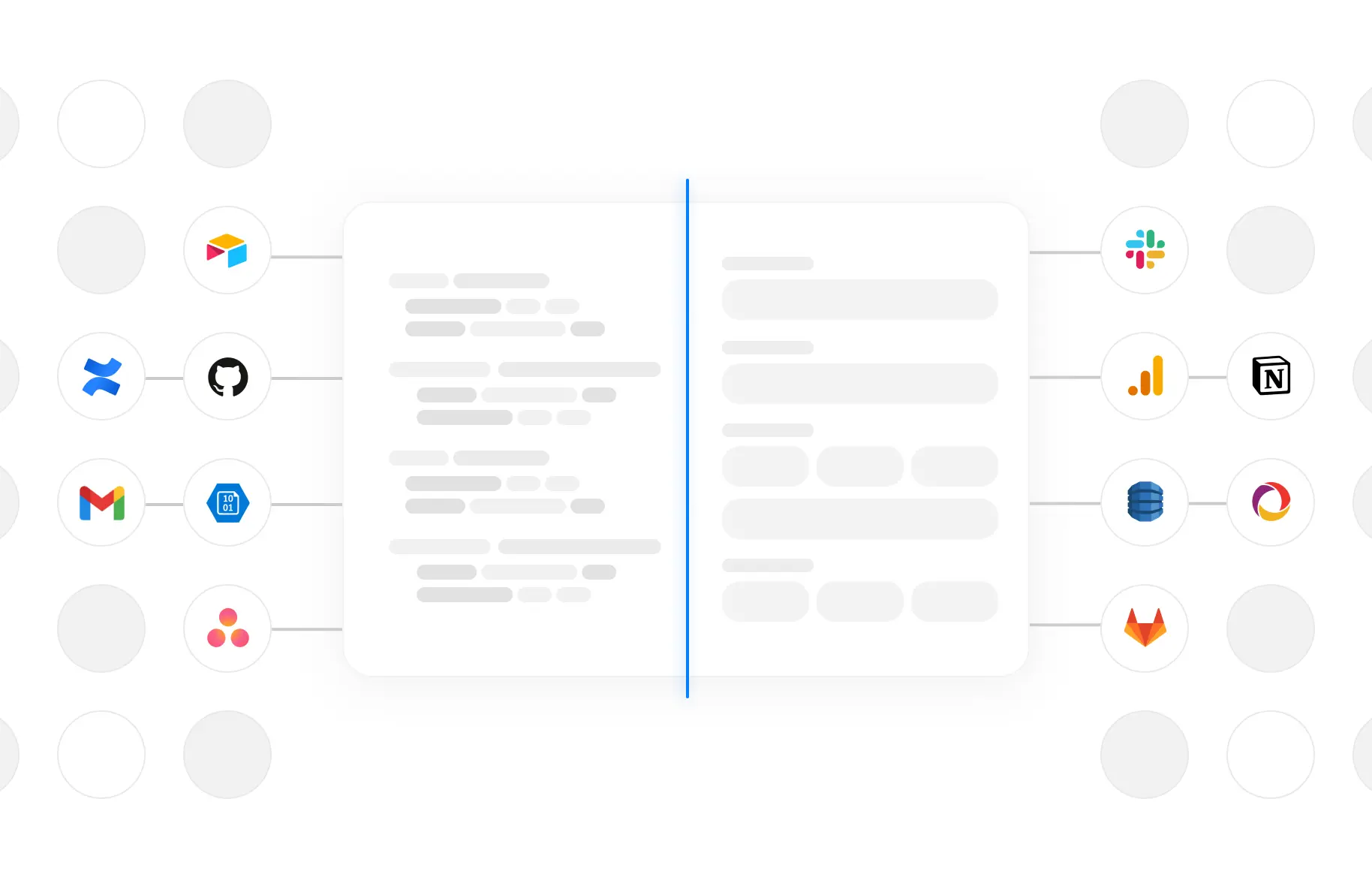
5X is a data platform. At its core, it connects to your data sources (databases, SaaS tools, APIs) and centralises everything so teams can work with it. To do that, it needs to support a lot of connectors. Not ten. Not fifty. Hundreds.
We were using a third-party connector provider to handle the underlying integrations. Good decision: it offloaded a massive amount of infrastructure work. But it came with a specific challenge.
The config described what a connector needed: fields, types, rules, dependencies. What it didn't describe was how to present it. How to group related fields. How to sequence them in a way that felt logical to a human. How to turn a machine-readable spec into something a person could move through without thinking.
That gap, between structured data and a usable interface, was entirely mine to close.
02 — the problemIt wasn't one problem. It was five, stacked.
The first time I looked at the raw connector config, I had to resist the urge to ask the backend to "just add a bit more context." Instead I sat with it and mapped what I was actually dealing with.
Structure ≠ organisation
The config was structured, but flat. No grouping, no visual hierarchy, no sense of what mattered first. Rendering it directly would have been a wall of inputs. The data knew what to ask; it didn't know how to ask it.
Every input type behaved differently
Text, dropdowns, toggles, file uploads, multiselect, OAuth triggers: each needed its own component, its own validation logic, its own empty and error state. And some types I hadn't seen before in the wild.
Fields had dependants
Some fields only appeared when another field had a specific value. Some changed their options based on a previous selection. The config encoded this as conditionals; I had to parse the logic and wire it to live UI state without it feeling janky.
OAuth was its own beast
Some connectors authenticated via OAuth: a popup flow, a redirect, a token exchange. This had to be woven into the form experience seamlessly. Not a separate page. Not a jarring interruption. Just a button that handled the whole flow and returned the user back to where they were.
Validation couldn't be hardcoded
Since every connector was different, validation rules came from the config too: required fields, formats, min/max lengths. I needed a validation engine that read from schema, not from a switch statement that grew forever.
Before writing a component, I wrote a contract
The instinct is to start building. But with a problem this wide, the order matters. If I started building field components without a clear schema contract, every new connector would expose a new edge case and I'd be patching forever.
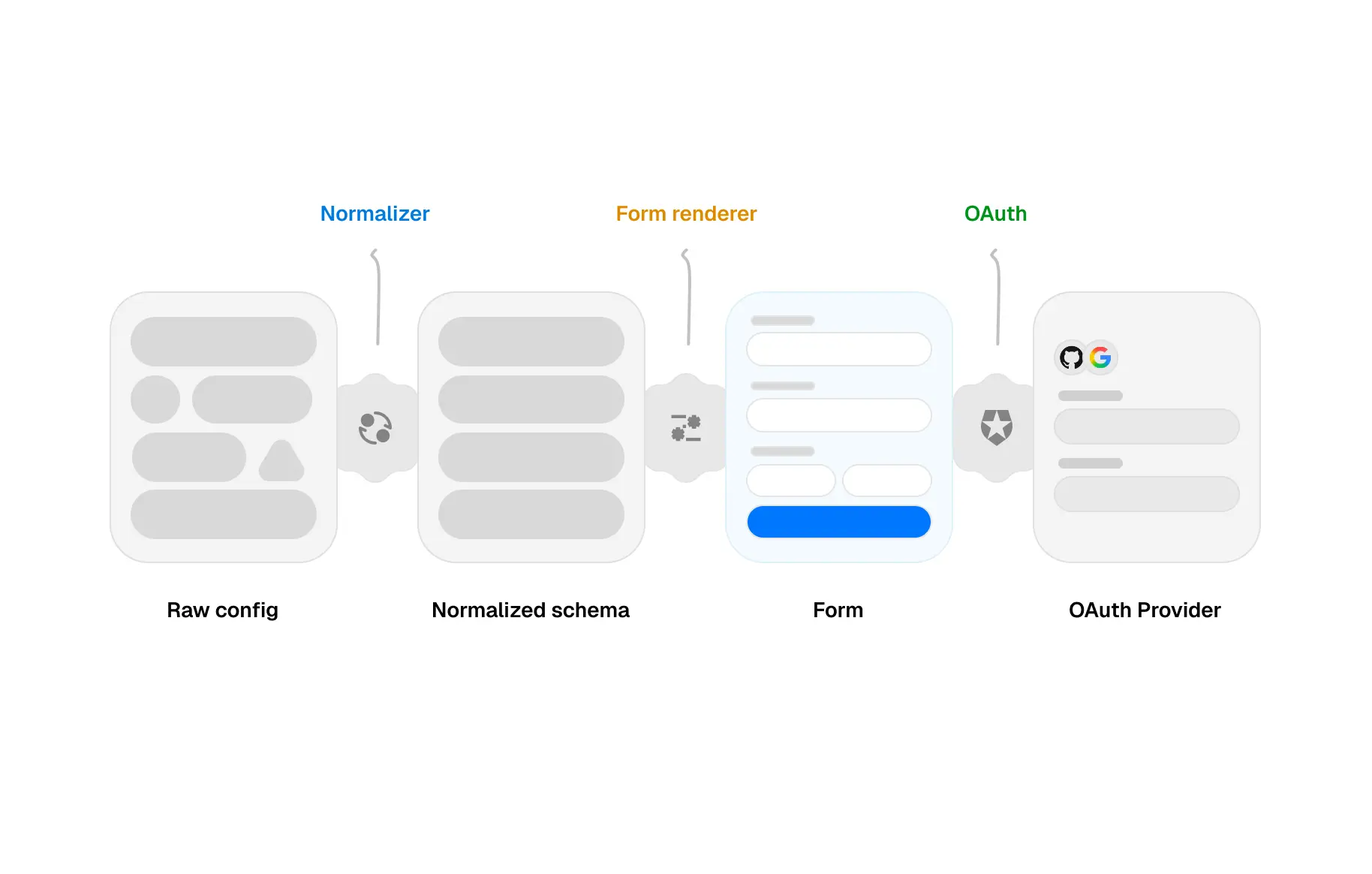
The config was already structured, so the normalisation step wasn't about cleaning up a mess. It was about making an intentional choice: what shape does the frontend actually need this data to be in? The third-party spec was designed for machines. My schema was designed for components.
With the schema defined, I built the renderer, a React component that consumed the schema and returned a fully formed, interactive, validated form. It handled field ordering, grouping, conditional visibility, and field-level validation all from config. Adding a new connector didn't require touching the renderer at all.
A typed mapping step between the provider's spec and the frontend's schema. Thin, focused, easy to update. The only place that knew about the third-party format.
Conditionals evaluated reactively: as the user typed or selected, dependent fields appeared, changed options, or disappeared. The form responded like it understood intent.
OAuth was a field type in the schema. When the renderer hit one, it opened the popup, managed the token exchange, and wrote the result back into form state. One flow, no special cases.
Schema-driven validation using rules from the config. Errors were field-level, human-readable, and shown only after interaction, not on page load. Accessible by default.
A config-driven form doesn't have to feel like one
This is the part most engineering writeups skip. The system worked. But "working" is a low bar.
Every field type got its own interaction design. Conditional fields didn't just appear: they slid in with a gentle entrance so the user understood something new was being revealed, not randomly materialising. Error states were written like a human was talking, not a validator throwing a code. The OAuth button had loading and success states that kept the user oriented through what is, under the hood, a fairly disorienting flow.
I spent a disproportionate amount of time on field ordering and grouping. Even though the config described what to ask, it didn't know how to ask it. Credentials first, optional settings last, related fields visually close together. That required reading the schema semantically, not just literally. No one told me to do this. It was just obviously right.
What it unlocked
The renderer became the foundation for the entire integrations surface at 5X: not just initial setup forms, but configuration editing, credential management, and re-authentication flows. Features that would have taken a sprint each now took hours, because the infrastructure was already there.
More importantly, users didn't notice it. Which was exactly the goal.
06 — REFLECTIONWhat I'd do differently
When the third-party provider updated their format, it quietly stressed the normalisation layer. I'd version the schema contract from day one and treat breaking changes like API changes: explicitly, not as surprises.
I eventually built a small internal tool so engineers could preview how a config would render. I built it too late. If it existed from the start, edge cases would have surfaced before QA.
The deeper lesson: structured data is a starting point, not a solution. The gap between what a machine describes and what a human experiences, that's the design problem. And it's always worth taking seriously.